
eSIM Activation
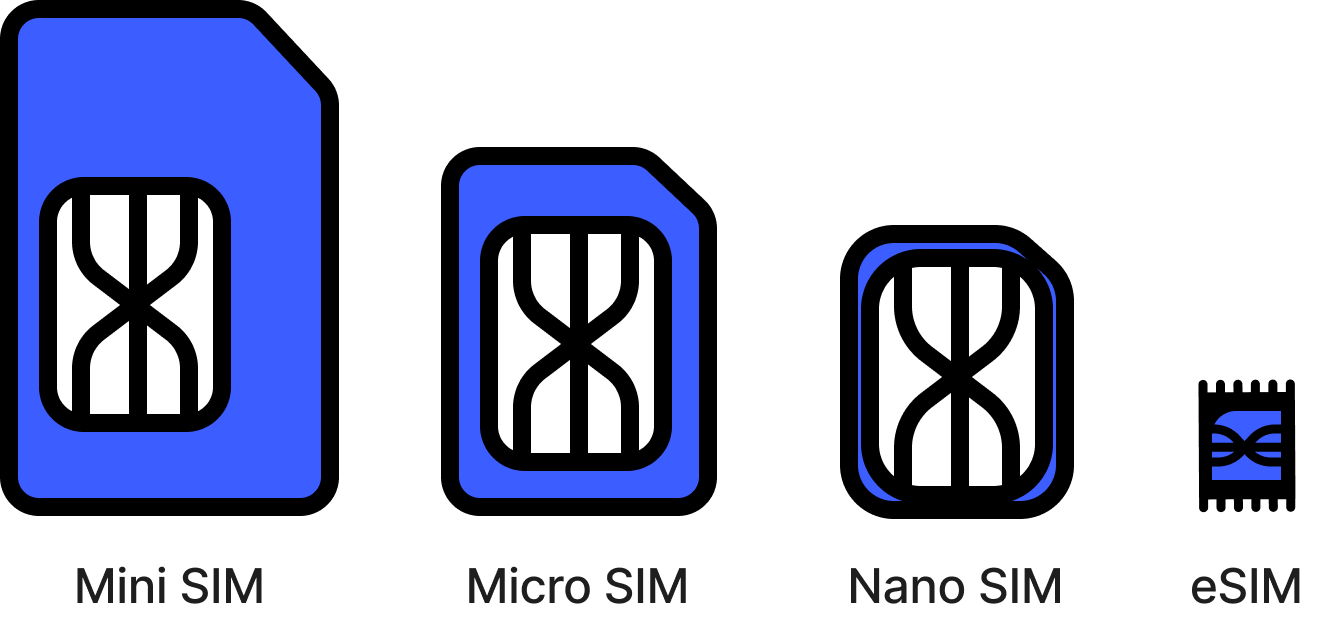
The SIM cards are getting smaller and smaller as time goes by.
And you know what? It’s soon going to disappear!
eSIM is a digital SIM that is embedded on the mobile device which allows users to activate their cellular network without a physical SIM.
Objectives
The main objective of the project was to enable eSIM activation of the device and keep up with the new trends in technology. Samsung’s competitor has already launched eSIM, which is more secure than a physical SIM.
My role as one of the two lead UX designers in my team was to achieve the optimal eSIM activation while working around multiple constraints and needs from various stakeholders.
-
Lead UX Designer for Verizon UX
-
Phase 1: Feb 2022~Feb 2023
Phase 2: Feb 2023~ ongoing
-
User Writing, UX Research, Engineers, NA network operators (VZW), Product Managers, Device Marketing
UX Objective
Approximately 90% of the users activate their cellular network during their *out-of-box experience. Therefore, designing a seamless and easy activation during the device setup process is key for the eSIM as primary UX.
*onboarding process after purchasing a device
User Research
The user research team conducted a brief survey with one carrier to understand user expectations about activating an eSIM.
The survey was conducted with 152 people.
About 40% of the participants had Galaxy device, 45% had iPhone, and the remaining 15% had both Galaxy and iPhone.
Participants Age: between age of 19-40
Finding 1
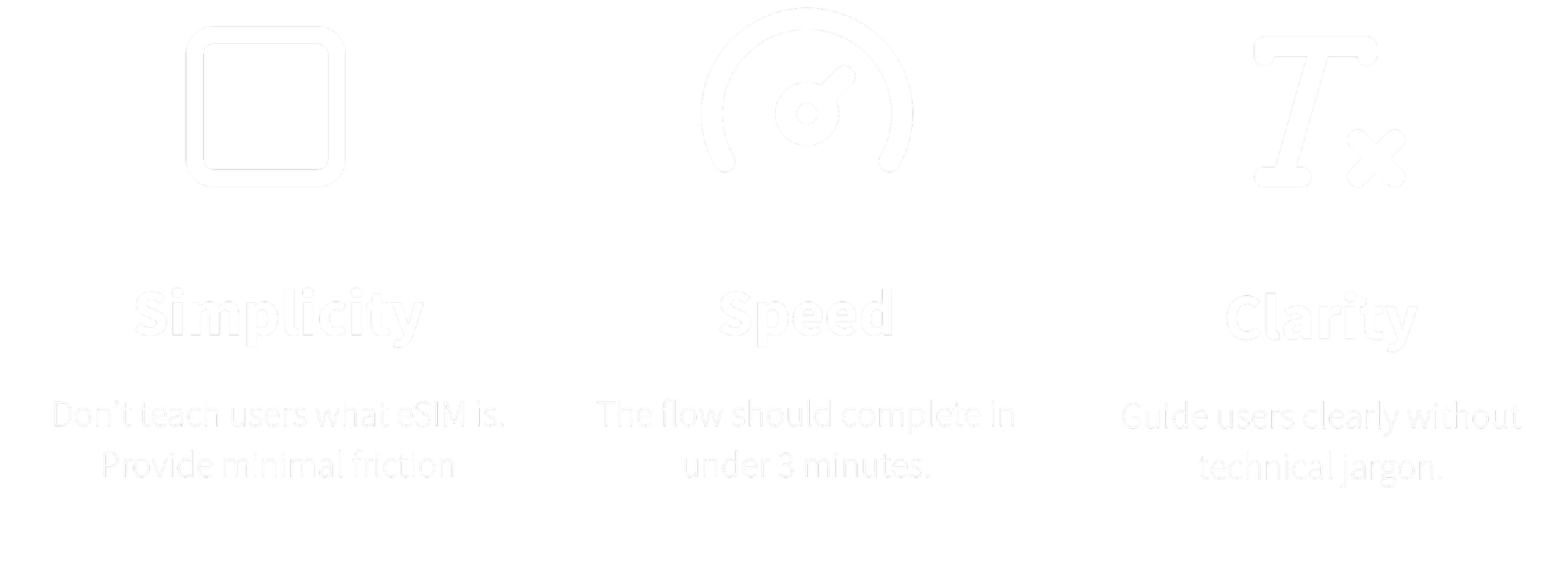
Only a few users know what eSIM is. Most users does not have a full understanding of what eSIM is. They do not care too much about it and just want the phone to be activated.
Finding 2
A successful physical SIM activation should take less than 3 minutes with minimal interactions. The user expectation is the same for eSIM.
Design Goal
eSIM System
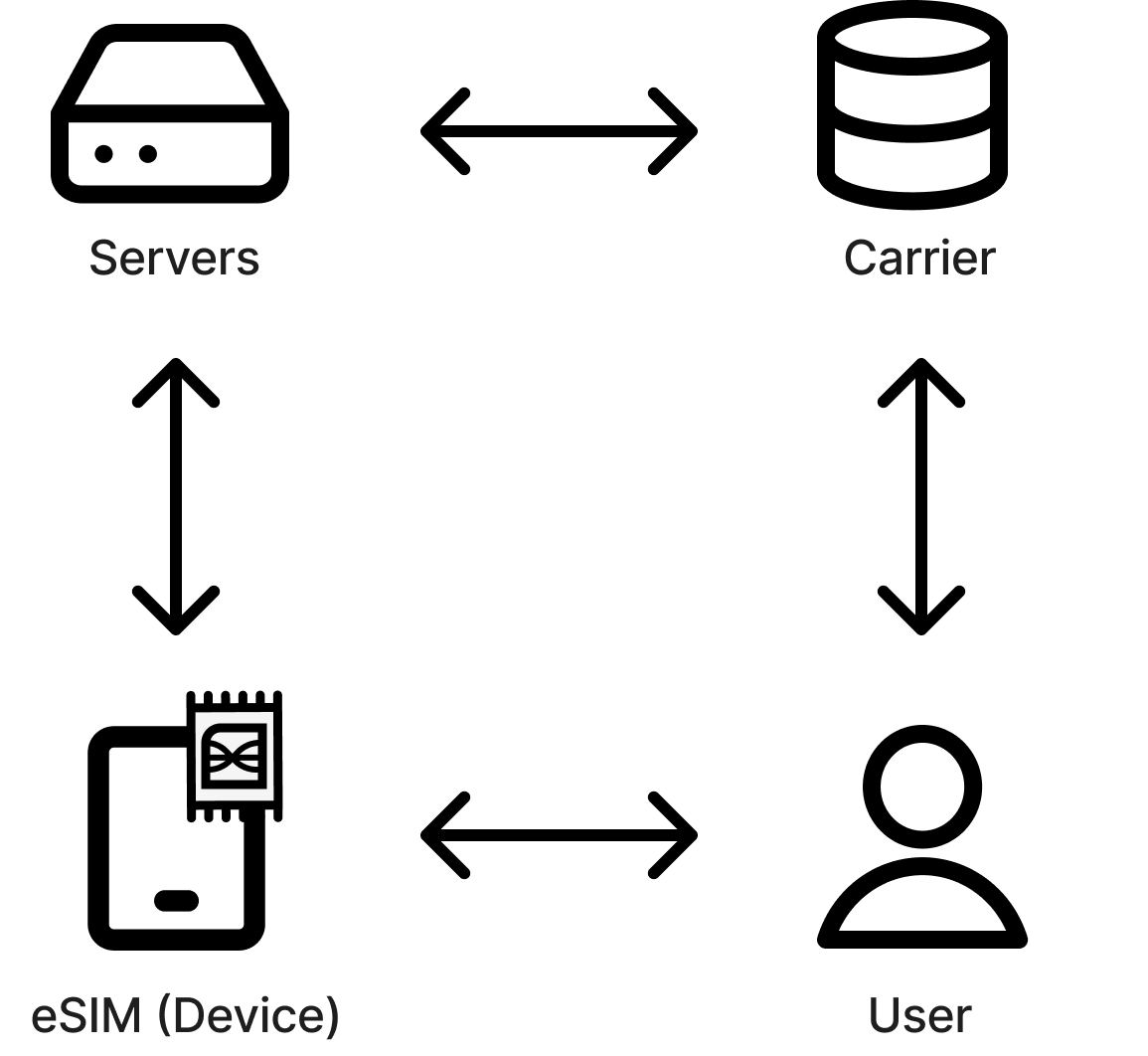
The chart below briefly explains how eSIM works behind the scenes.
User purchases a phone from Verizon carrier.
User tries to activate the phone.
The Device reaches out to a server using a Wi-Fi network to download a eSIM profile.
The server communicates with a carrier server (such as Verizon) to sync the user profile.
Use can see the download and installation process of eSIM on their mobile devices after connecting to Wi-Fi.
Requirements and constraints
GSMA requirement
GSMA is an organization that represents the interests of mobile network operators worldwide. They created a new channel to support eSIM and has multiple pages of requirements, guiding the implementation of eSIM.
One requirement that impacts the user interface is that only one profile can be downloaded for one eSIM. There cannot be multiple profiles (multiple phone numbers) for one eSIM.
Technical requirement
In order to download an eSIM, a Wi-Fi connection is mandatory. Therefore, users must first connect to Wi-Fi in order to activate their devices using eSIM. Users need guidance about this requirement.
Error scenarios were something we had to consider to accommodate technical limitations. For example, the server can only attempt eSIM download for maximum 10 times.
Verizon Requirement
Verizon’s warehouse does not have Wi-Fi, which means, if the device block users in the Wi-fi step during onboarding (like our competitor device), this can cause a problem for Verizon. Therefore, Verizon did not want Samsung to keep users in the Wi-Fi step until they are connected to Wi-Fi.
User Journey
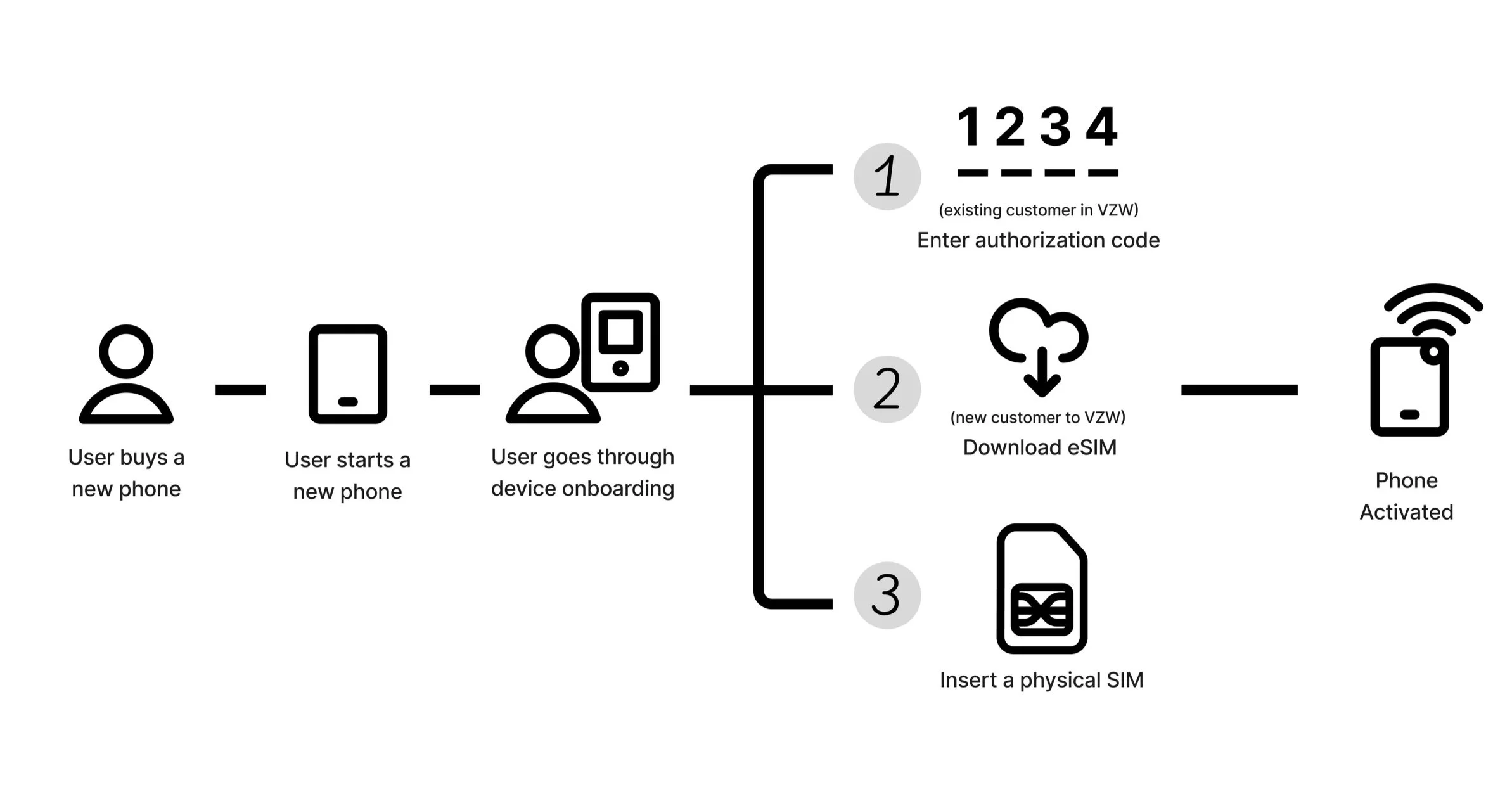
The top three common ways for user activating a device are the following:
User buys a new phone from their current carrier and download eSIM
User buys a new phone from a different carrier and download eSIM.
User inserts a physical SIM card (from either current or other carriers)
Existing Samsung smartphone Onboarding
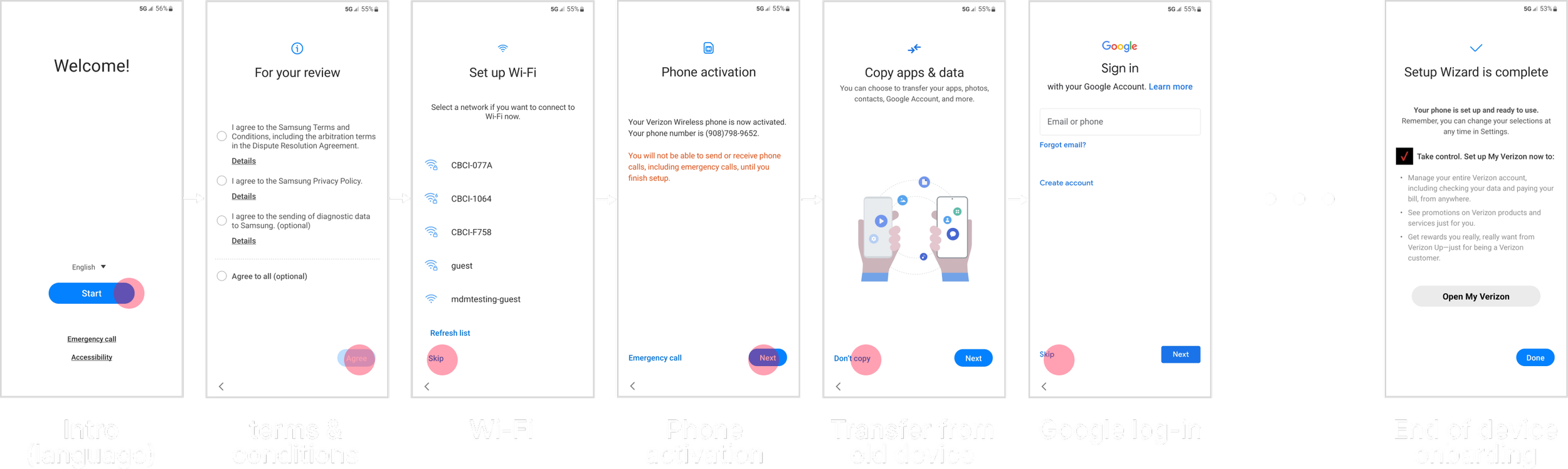
During a device onboarding, users can setup many things before reaching the device home screen. Users can setup language, consent to terms and conditions, connect to Wi-Fi, activate the phone, etc.
The below flow represents the most common scenario of device onboarding. Users would already have a physical SIM inserted, and they would only see the phone activation success screen.
Task Flow
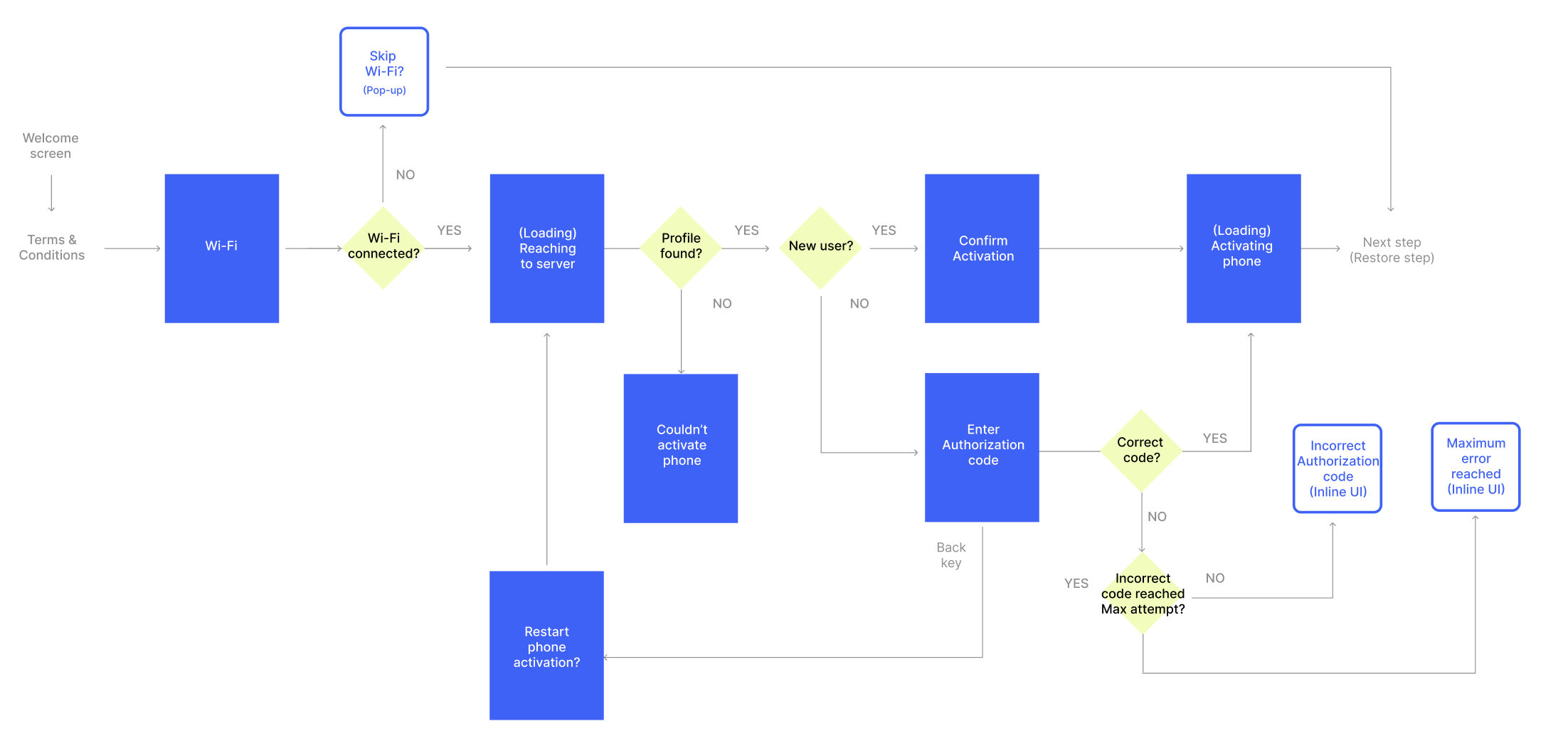
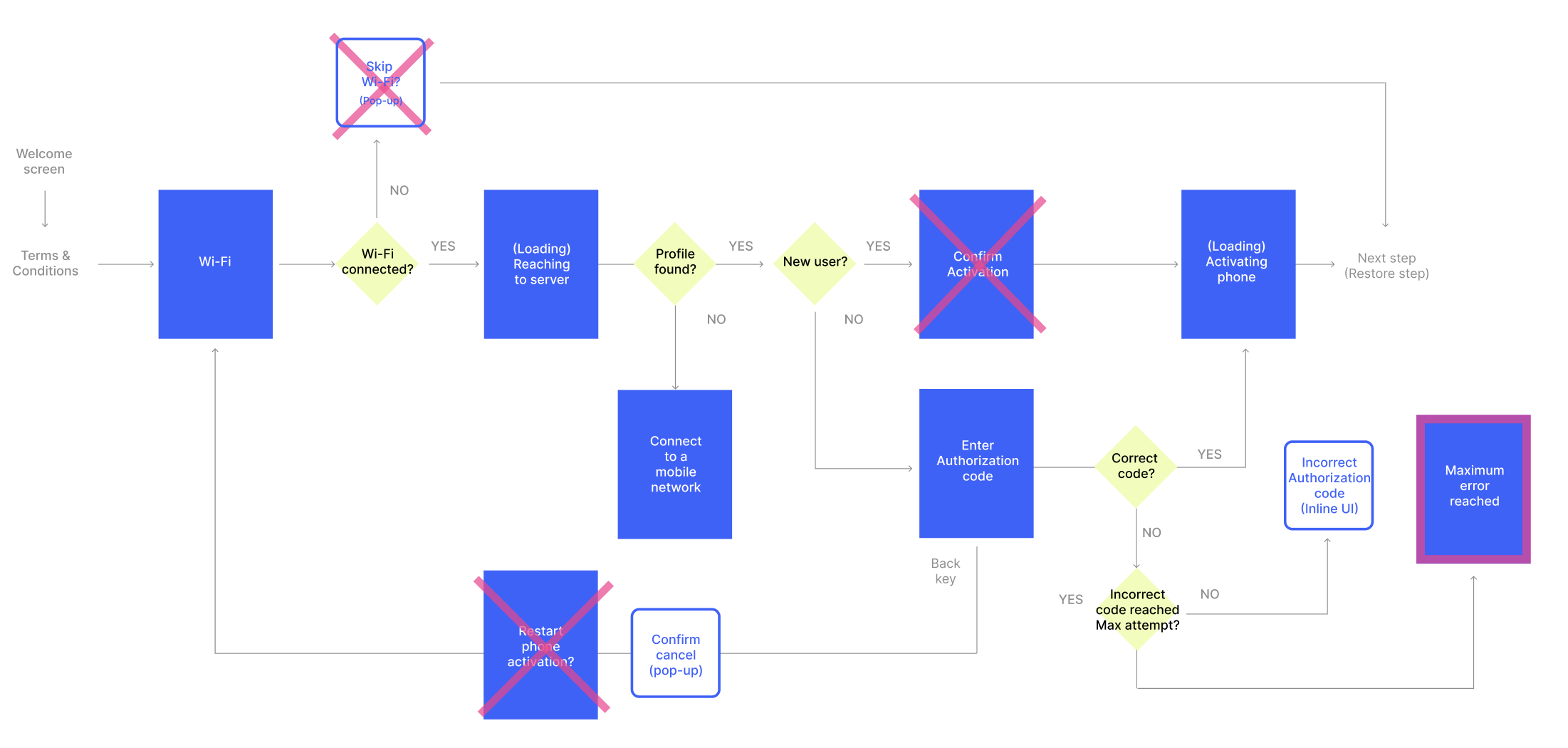
This is an initial draft of task flow that was designed after reviewing all the requirements and constraints. Note, that this does not cover the entire flow to be more concise.
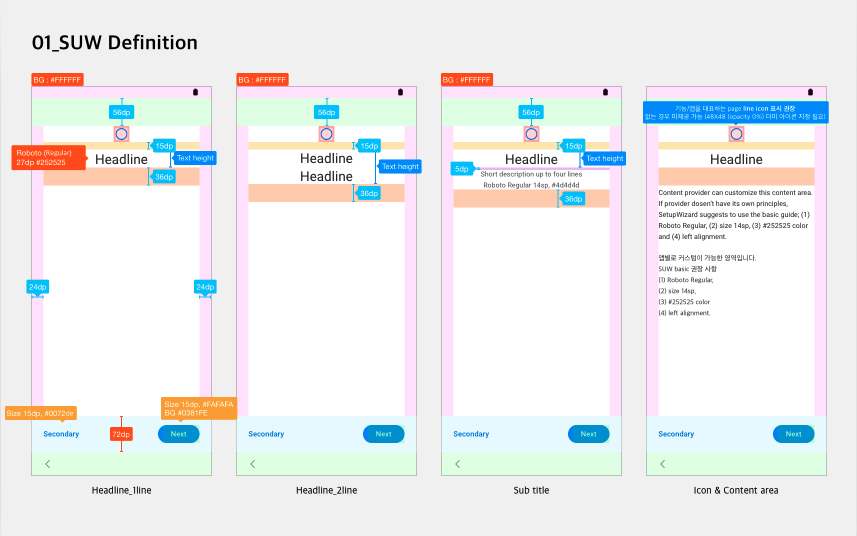
UI style guide
Key Screens
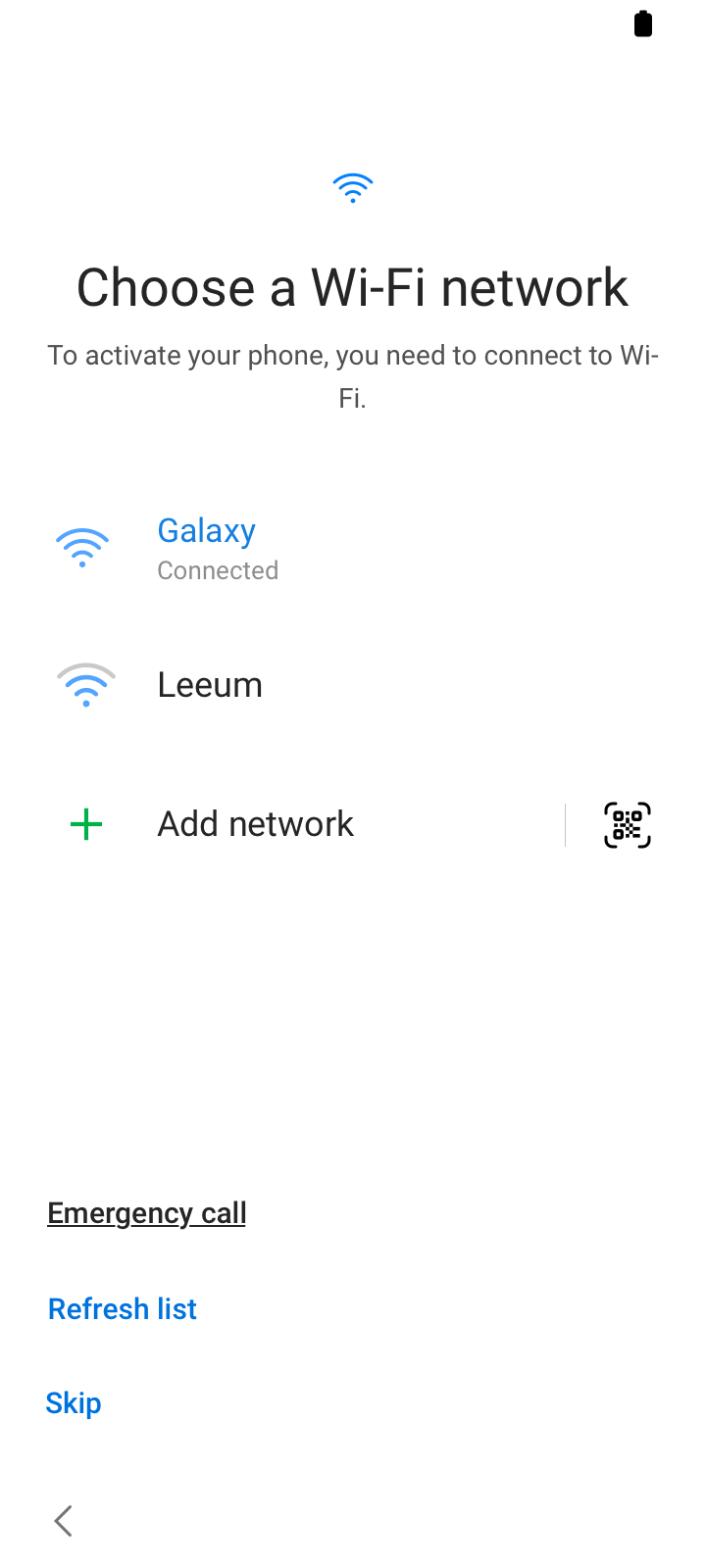
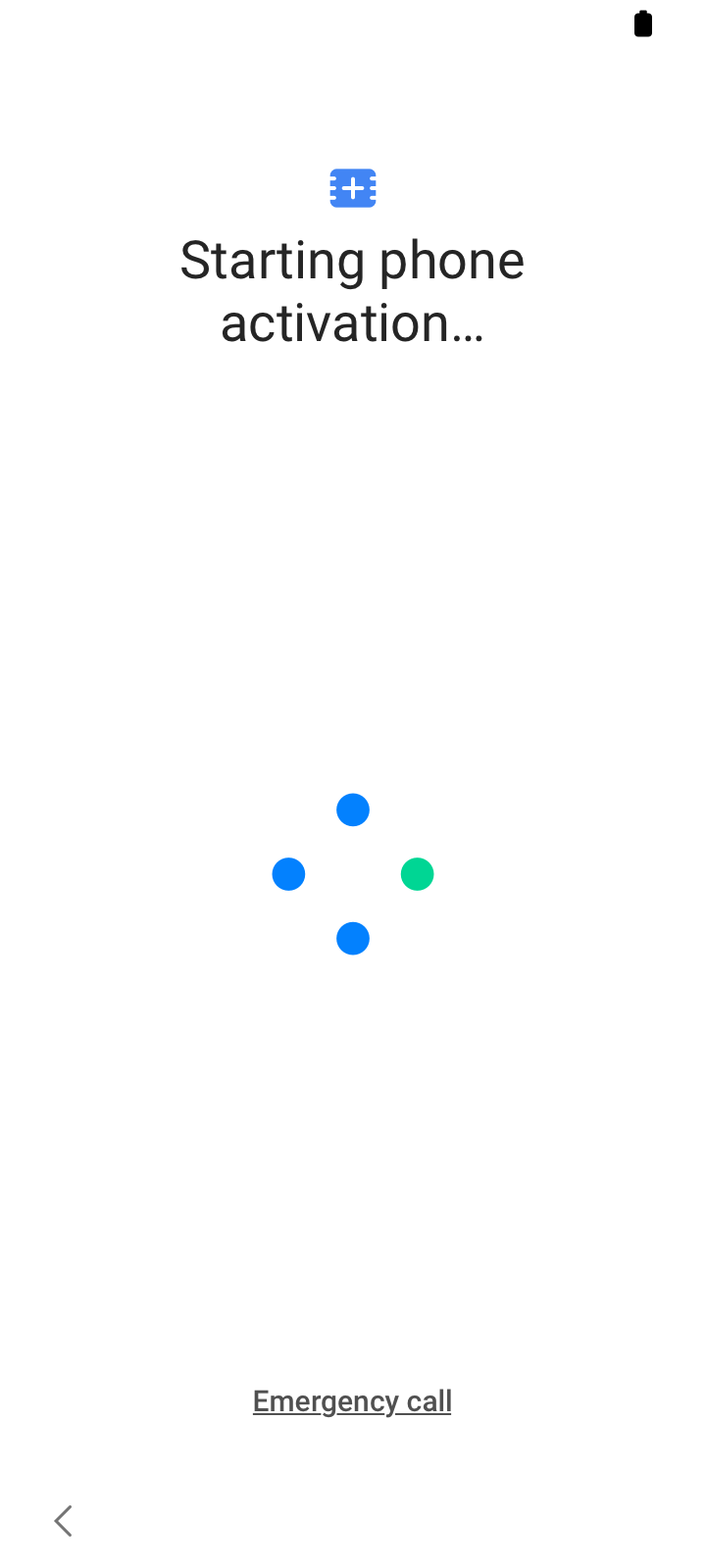
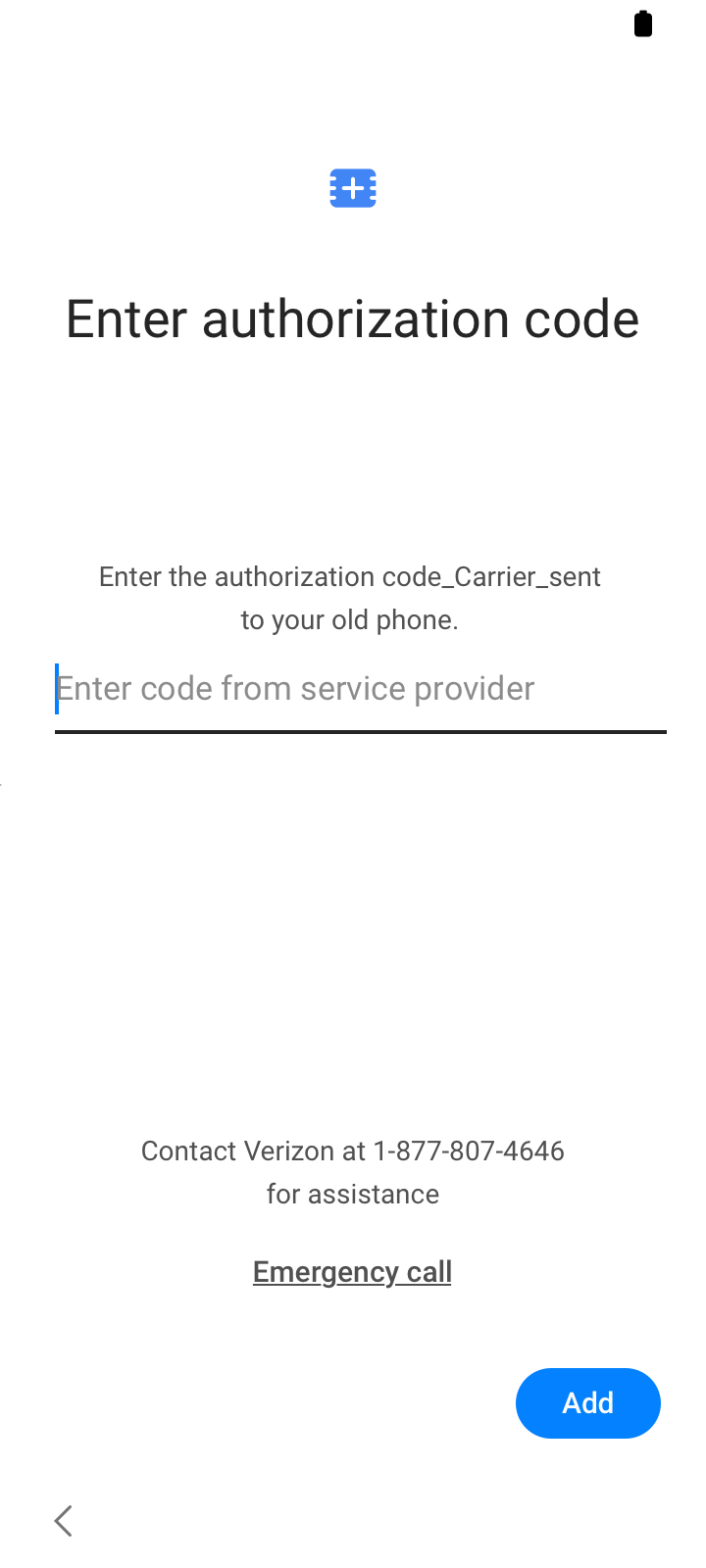
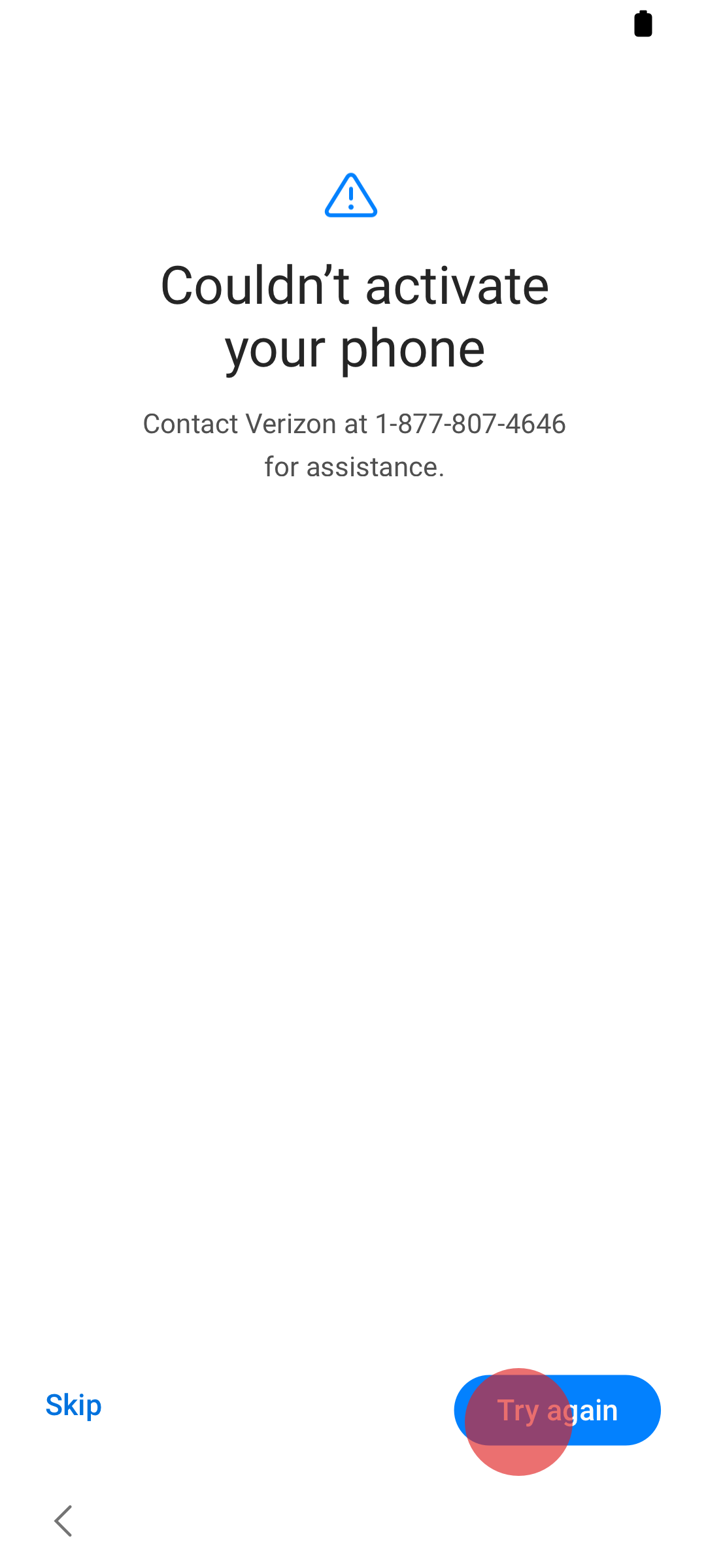
Phase I Prototype
Phase II Design
We tried to reduce alot of unncessary steps. After multiple iterations, and discussion with R&D, we have come to remove three steps.
UX Impact
3 screens removed from the flow, reducing interaction speed and stabilization of software.
12% faster interaction time with no confirmation screen and need of Wi-Fi connection.
Used by millions of users who activates their Galaxy phone from Verizon.
Measuring KPIs
Qualitative
Positive feedback from carrier partners
Quantitative
Fewer QA issues tied to activation failures